Appearance
The Two-Factor Authentication Plugin adds an extra layer of security by requiring users to verify their identity with a second authentication step when logging in.
1. Download the File
After purchasing the plugin, you will receive a ZIP file. Unzip this file, and inside you will find the main plugin file that you need to upload and install.
Main file:
text
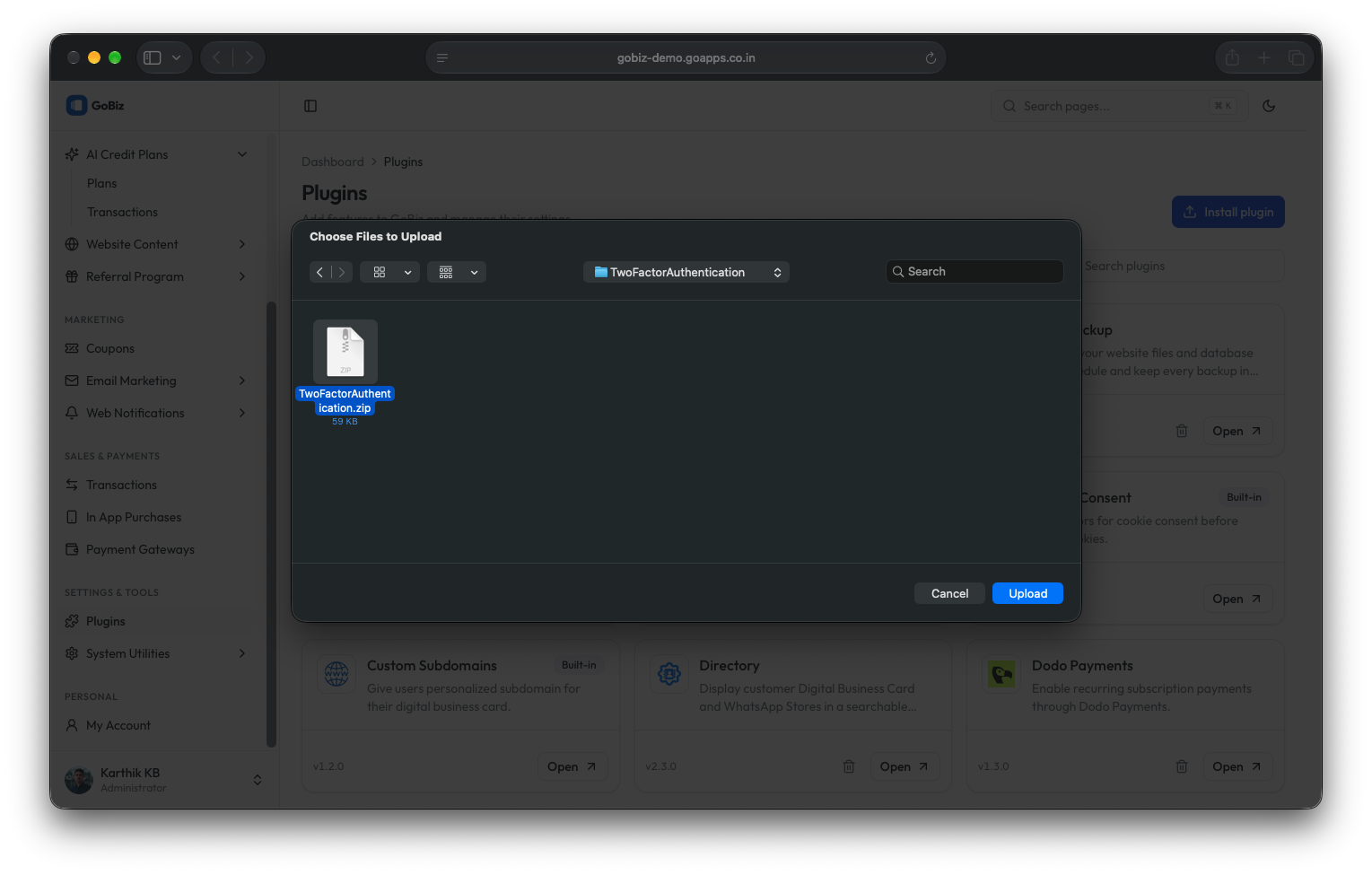
TwoFactorAuthentication.zip2. Upload the File
Upload the TwoFactorAuthentication.zip file in the Plugins → Install plugin section of your platform.

3. Plugin Installation
Once the upload is complete, you will see a successful plugin installation message.

4. Enable Two-Factor Authentication
Before enabling Two-Factor Authentication:
Fill in the email/SMTP credentials in the SMTP plugin.
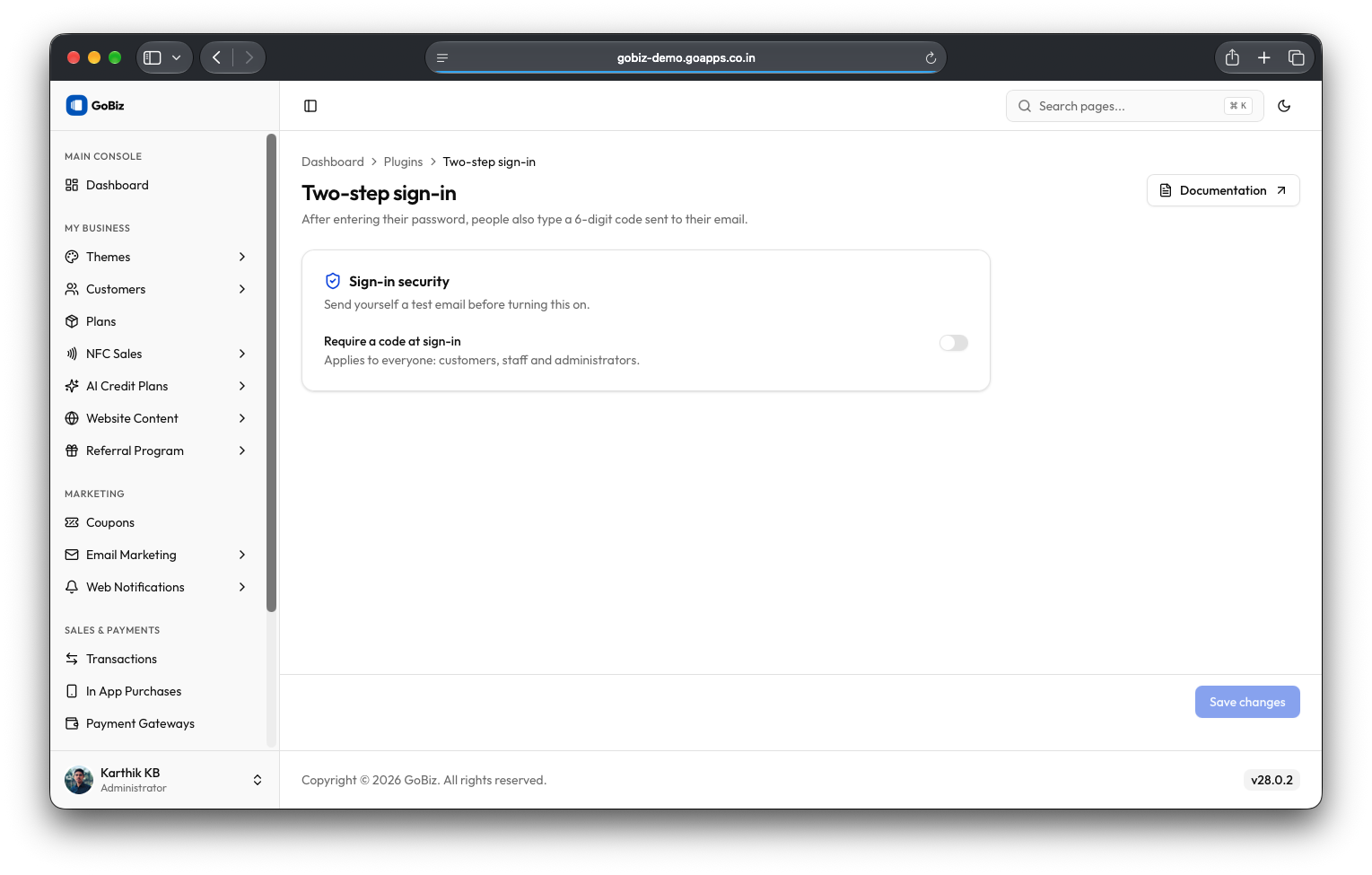
Switch on Enable Two-Factor Authentication.
Click Save changes to save configuration.