Appearance
The React Modern Dashboard Plugin provides a modern and responsive dashboard interface for user panel.
1. Download the File
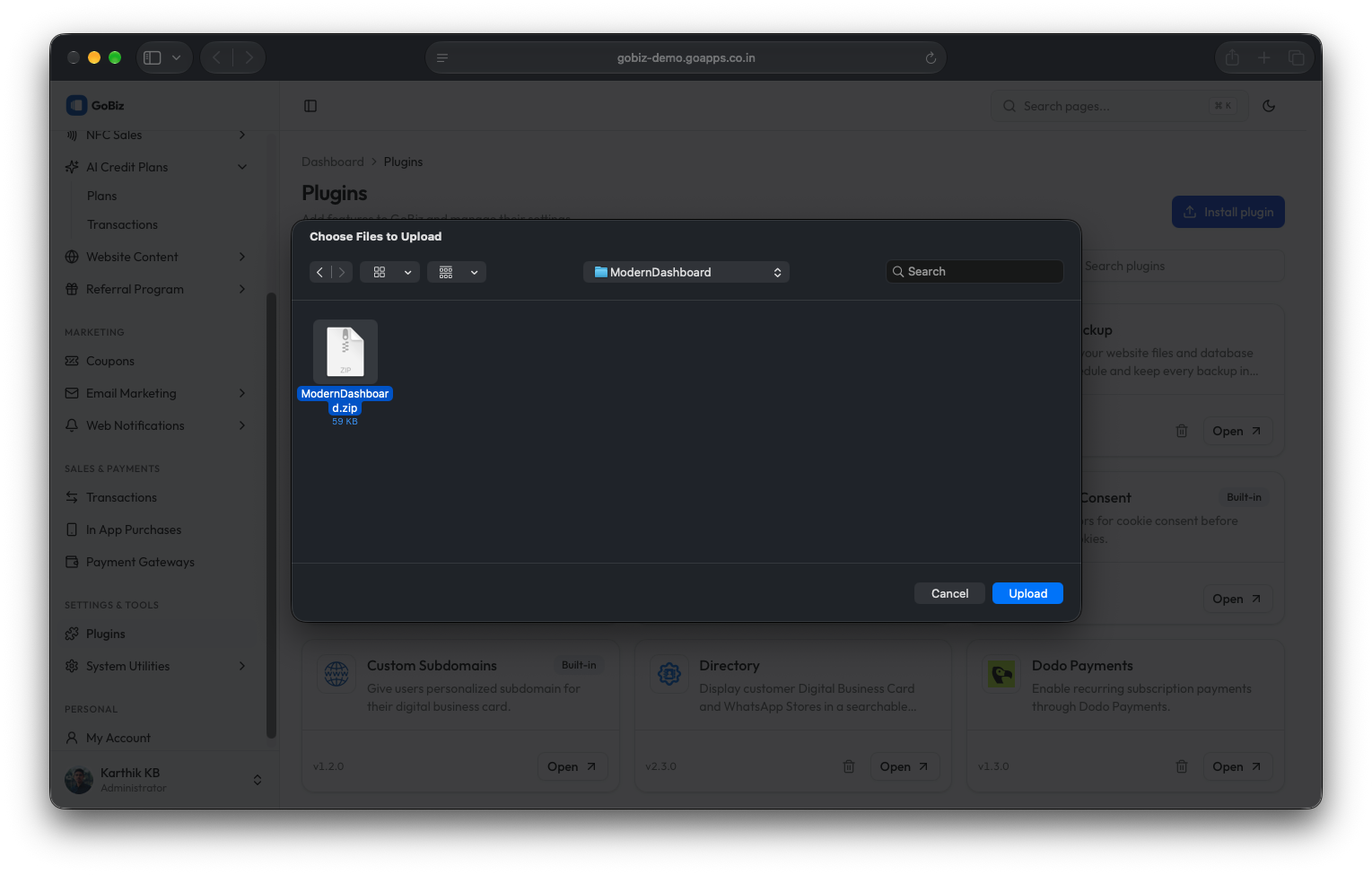
After purchasing the plugin, you will receive a ZIP file. Unzip this file, and inside you will find the main plugin file that you need to upload and install.
Main file:
text
ModernDashboard.zip2. Upload the File
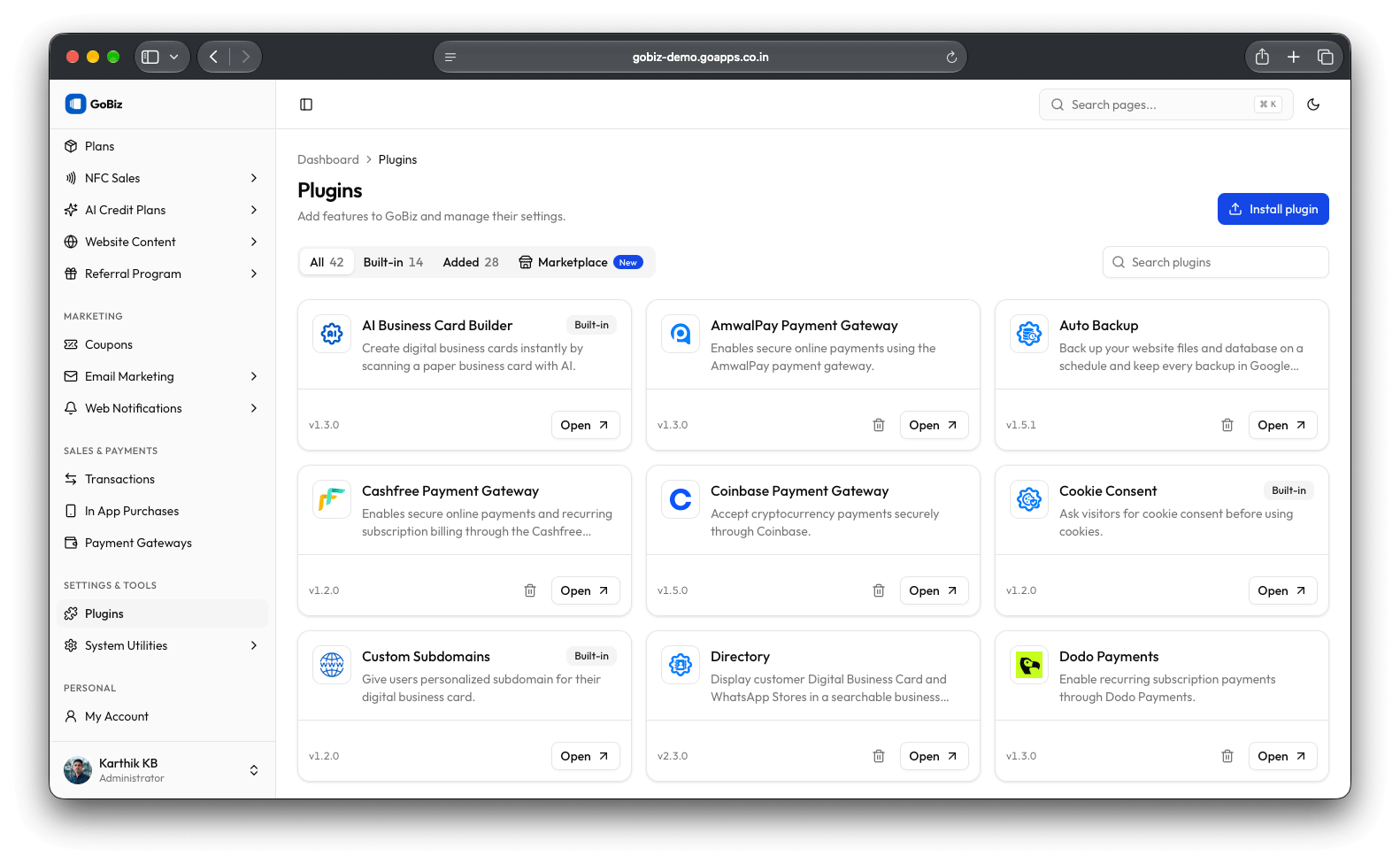
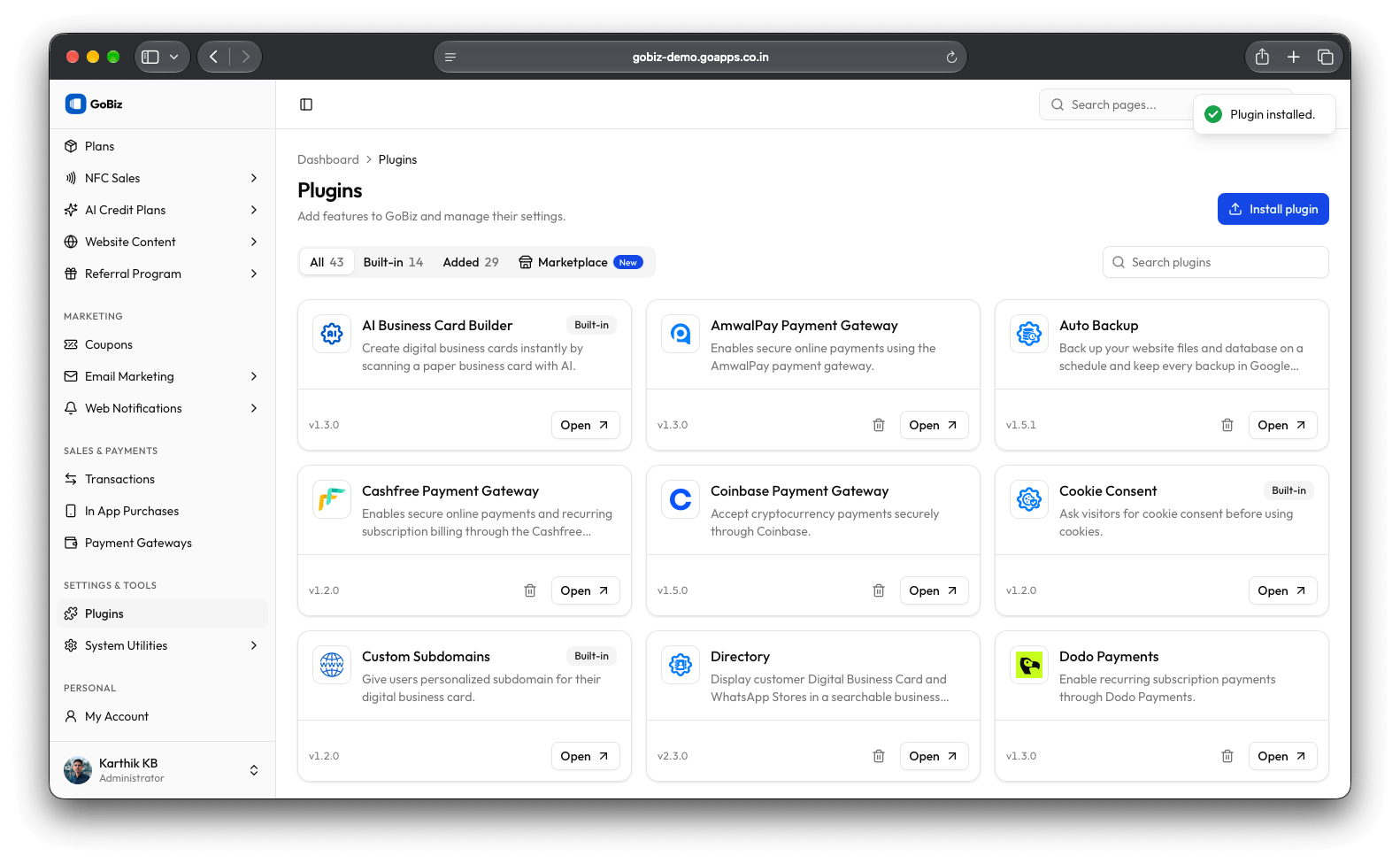
Upload ModernDashboard.zip file in Plugins->Install plugin section.
3. Plugin Installation
Once the upload is done, you will be able to see the plug installation success.
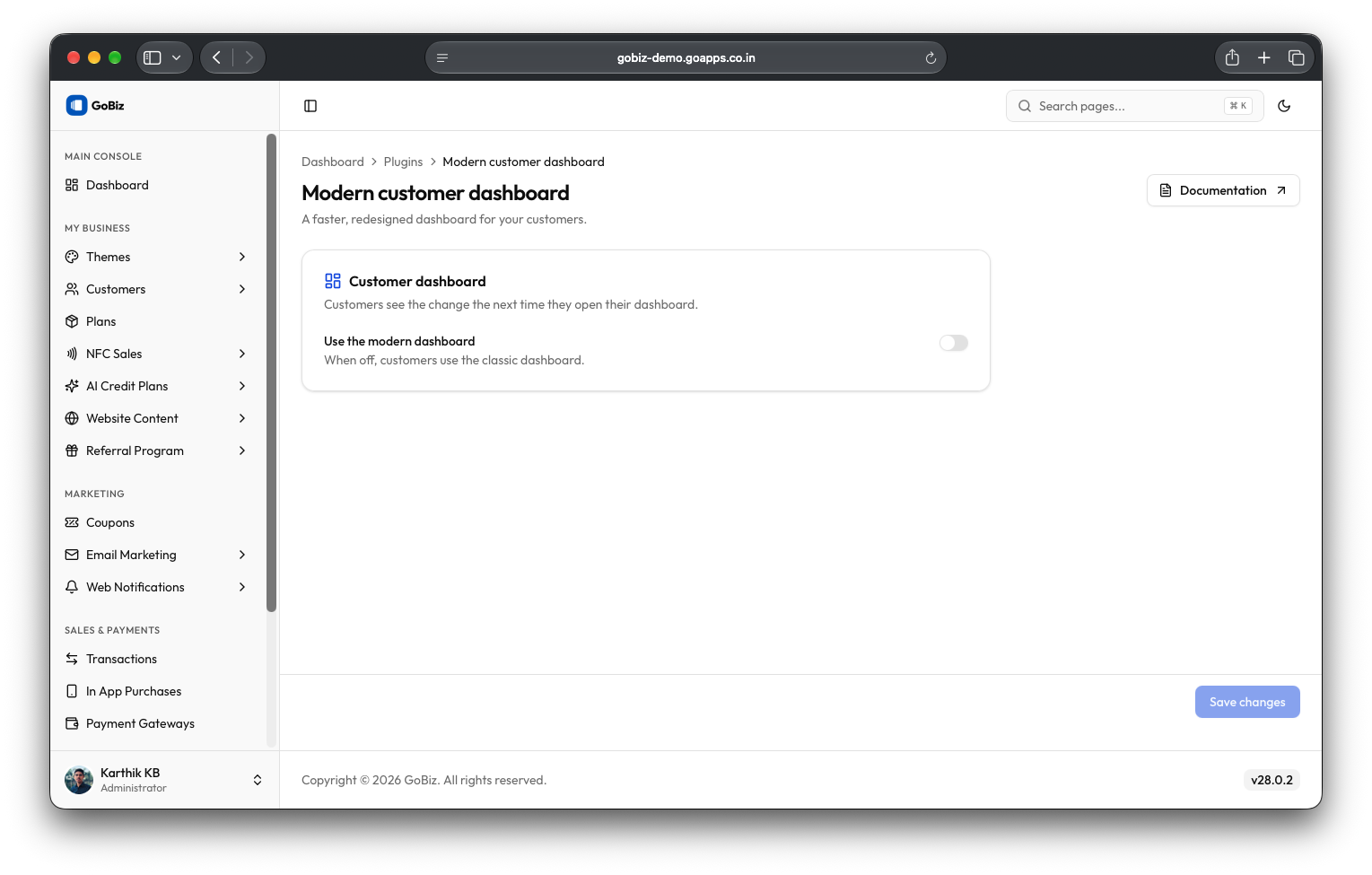
4. Plugin Configuration
After installation, click the open button to configure it. On the configuration page, enable Use the modern dashboard and click the Save changes button.