Appearance
How to get Pusher Beams Instance ID and Secret Key?
Last update: 31 July 2026
1. Create a Pusher Beams Account
Visit the Pusher Beams website and sign in with your Pusher account.
If you don't have an account, create one first.
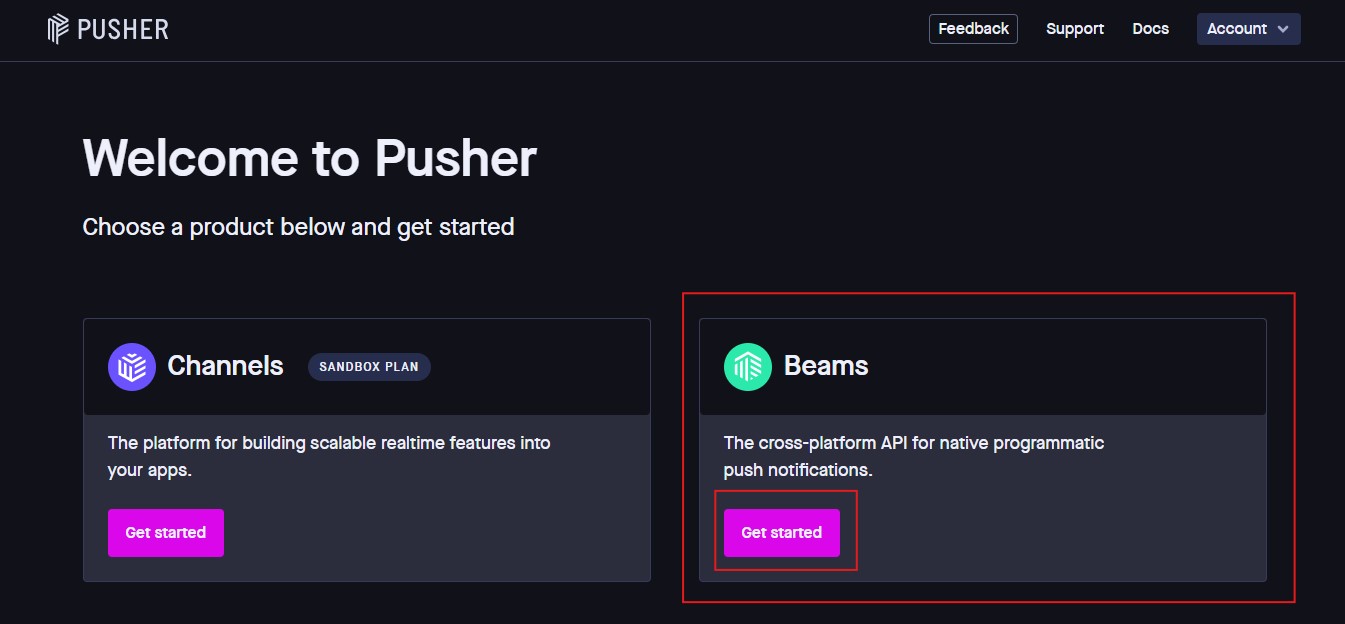
2. Create a New Beams Instance
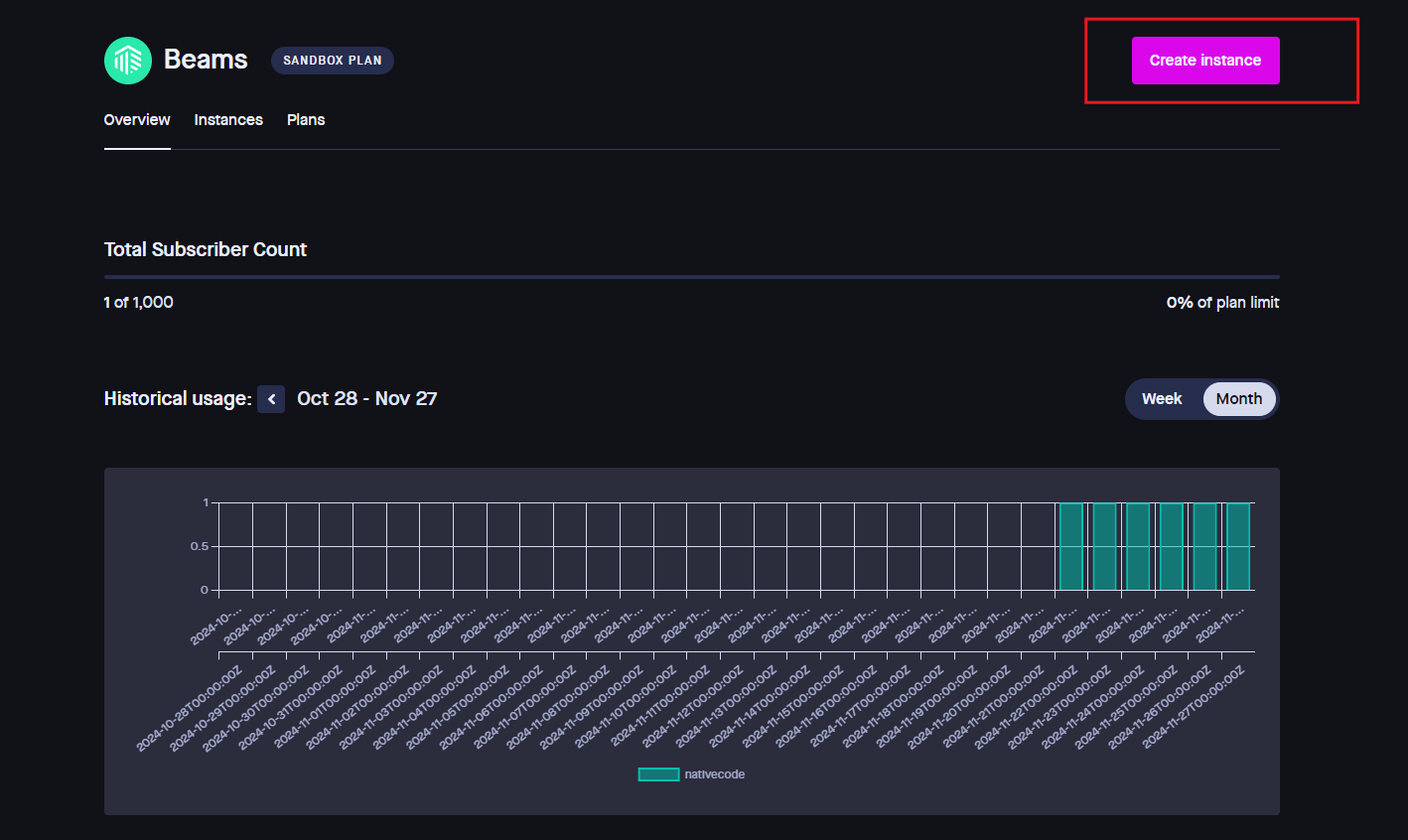
After signing in, open the Beams Dashboard and click Create New Instance.
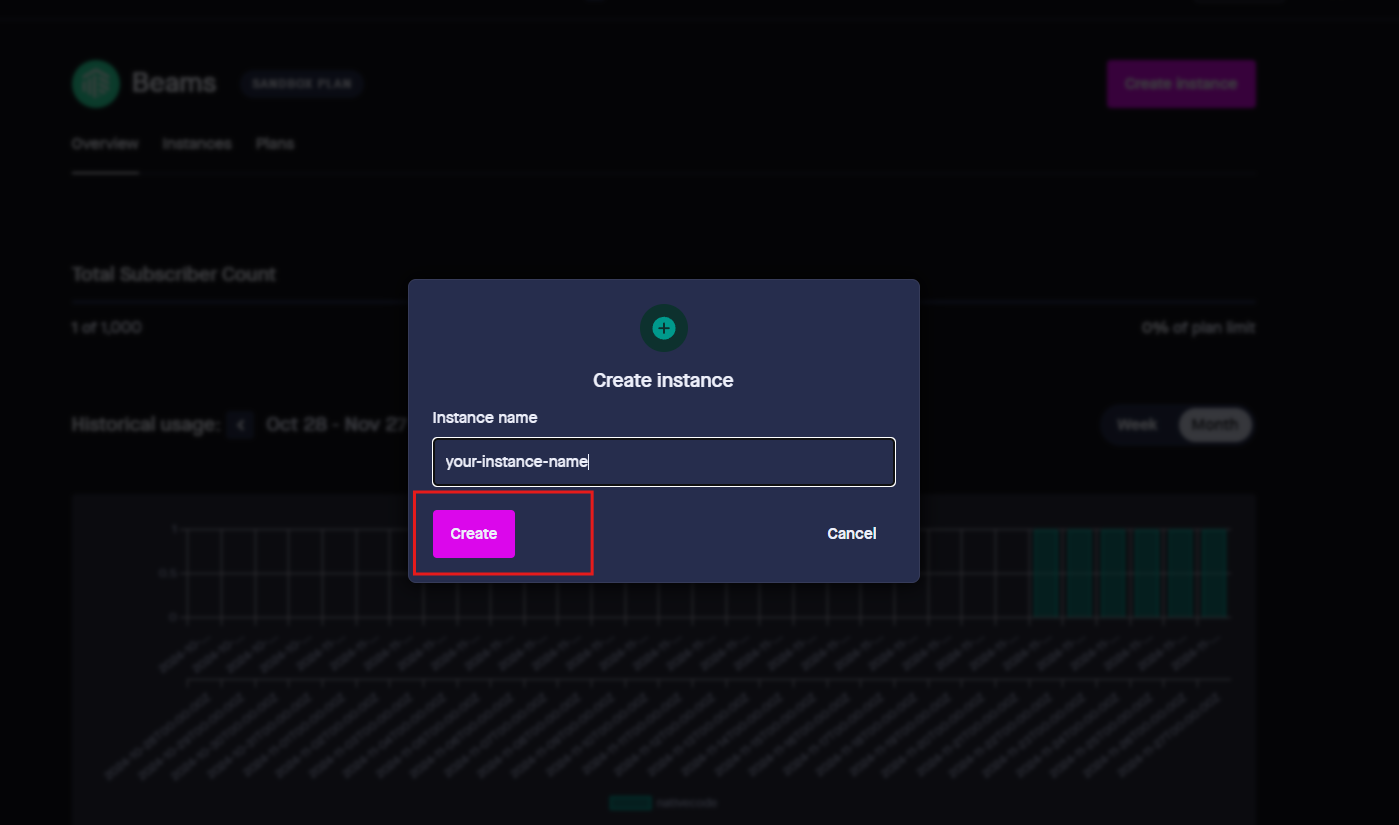
Enter a name for your instance (for example, Web Notifications) and select Web as the platform.
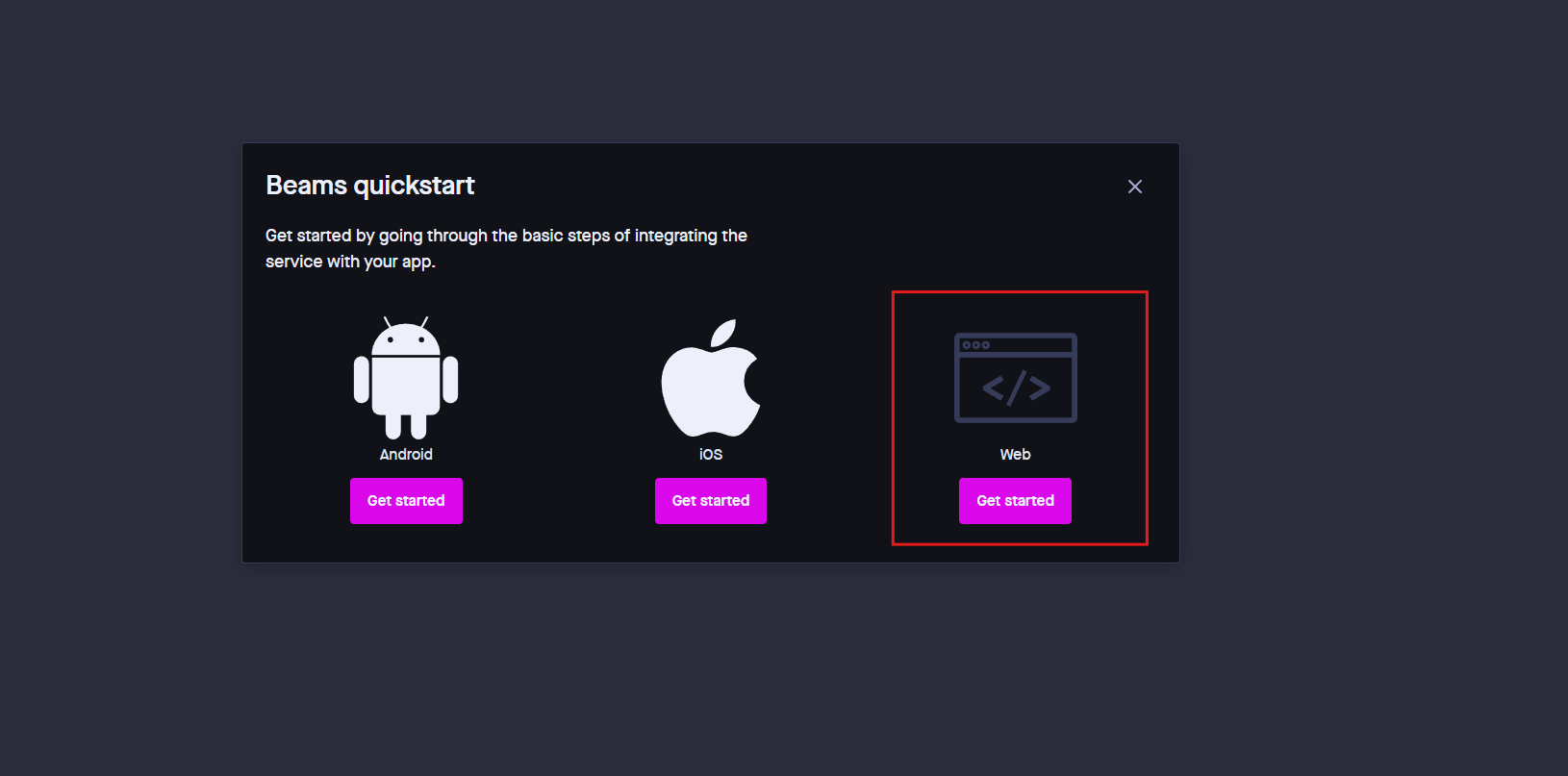
3. Get the Instance ID and Secret Key
After creating the instance, open the Credentials section in the Beams Dashboard.
Copy the following credentials:
- Instance ID
- Secret Key
Keep your Secret Key secure and do not share it publicly.
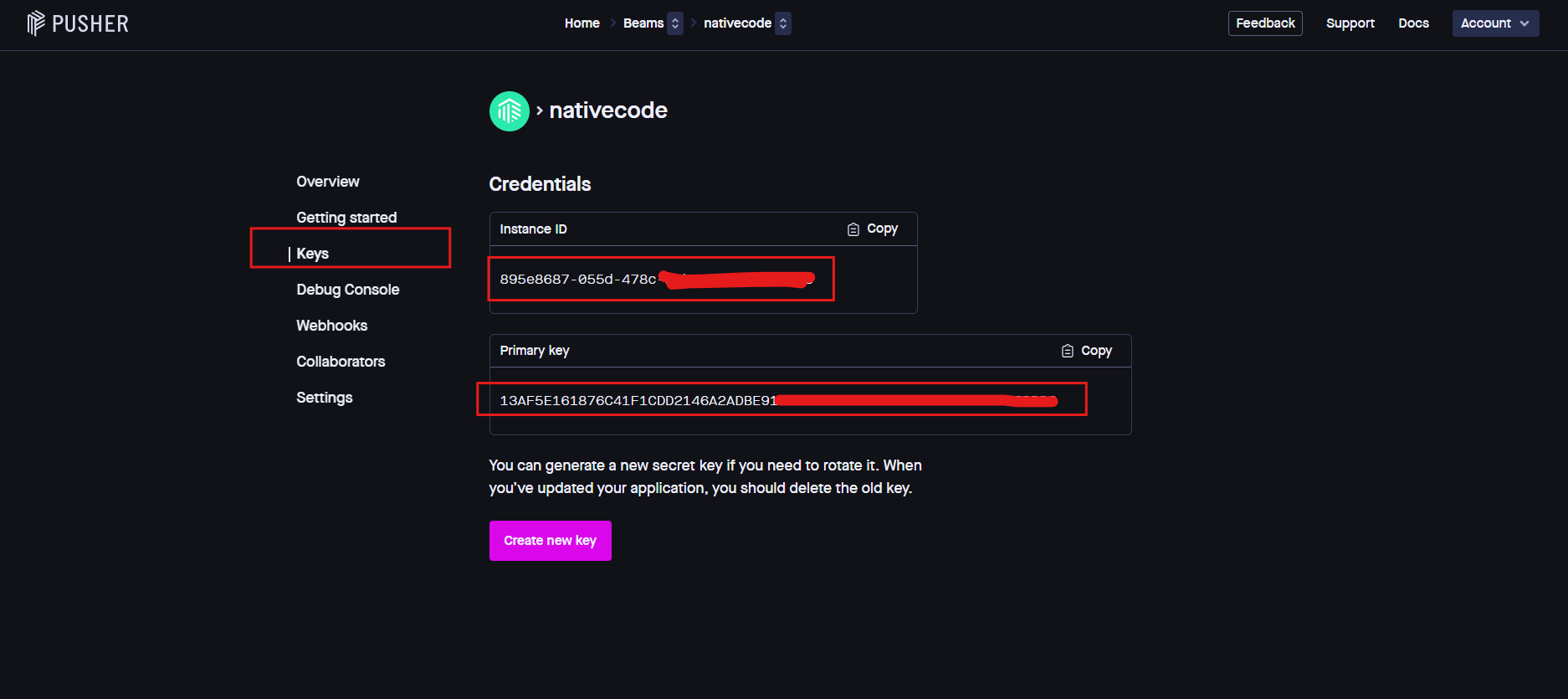
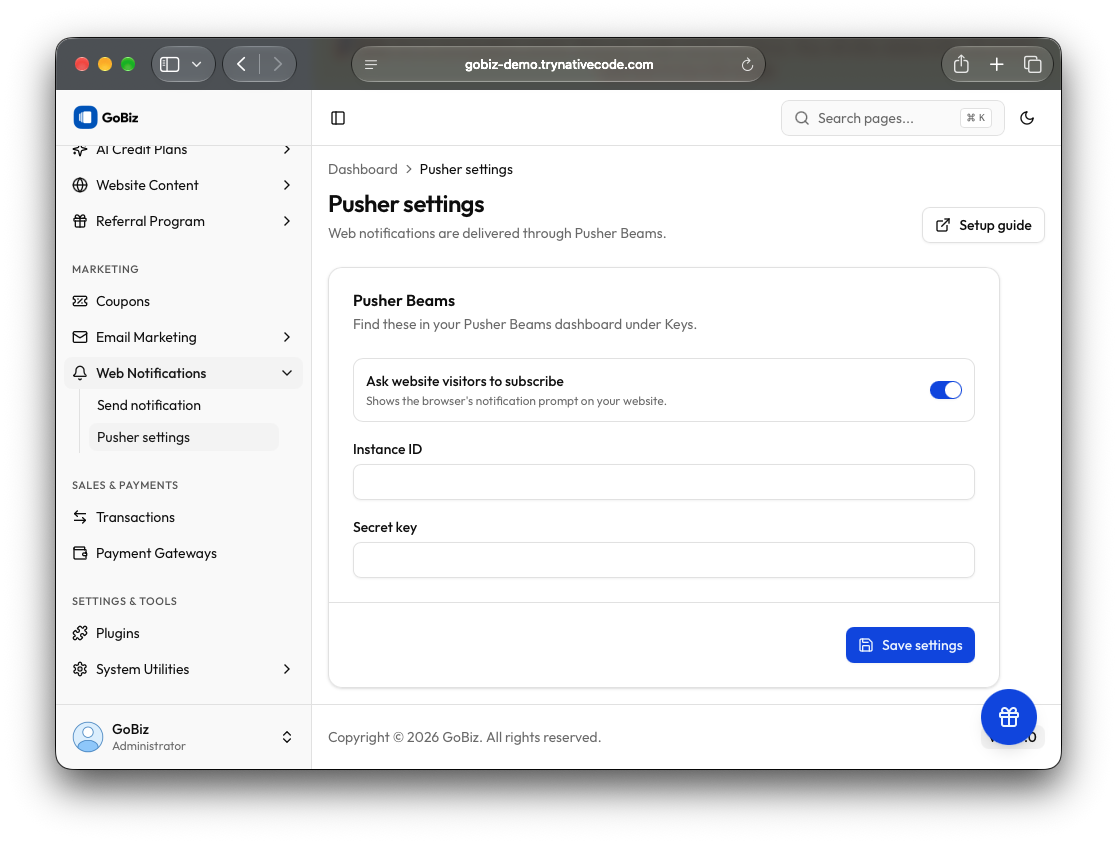
4. Configure Pusher Beams in the Admin Panel
Log in to your GoBiz Admin Panel.
Navigate to Web Notifications -> Pusher Settings
Paste the Instance ID and Secret Key into their respective fields, enable Ask Website Visitors to Subscribe, and click Save to apply the configuration.