
Appearance
Twilio WhatsApp is used for an customer engagement platform, allowing software developers and businesses to send and receive WhatsApp messages
Learn how to download, upload, and install the Twilio Whatsapp Notification plugin to enable Whatsapp notifications.
1. Download the File
After purchasing the plugin, you will receive a ZIP file. Unzip this file, and inside you will find the main plugin file that you need to upload and install.
Main file:
text
TwilioWhatsappNotification.zip2. Uploading the File
Upload the TwilioWhatsappNotification.zip file in the Plugins → Install plugin section of your platform.

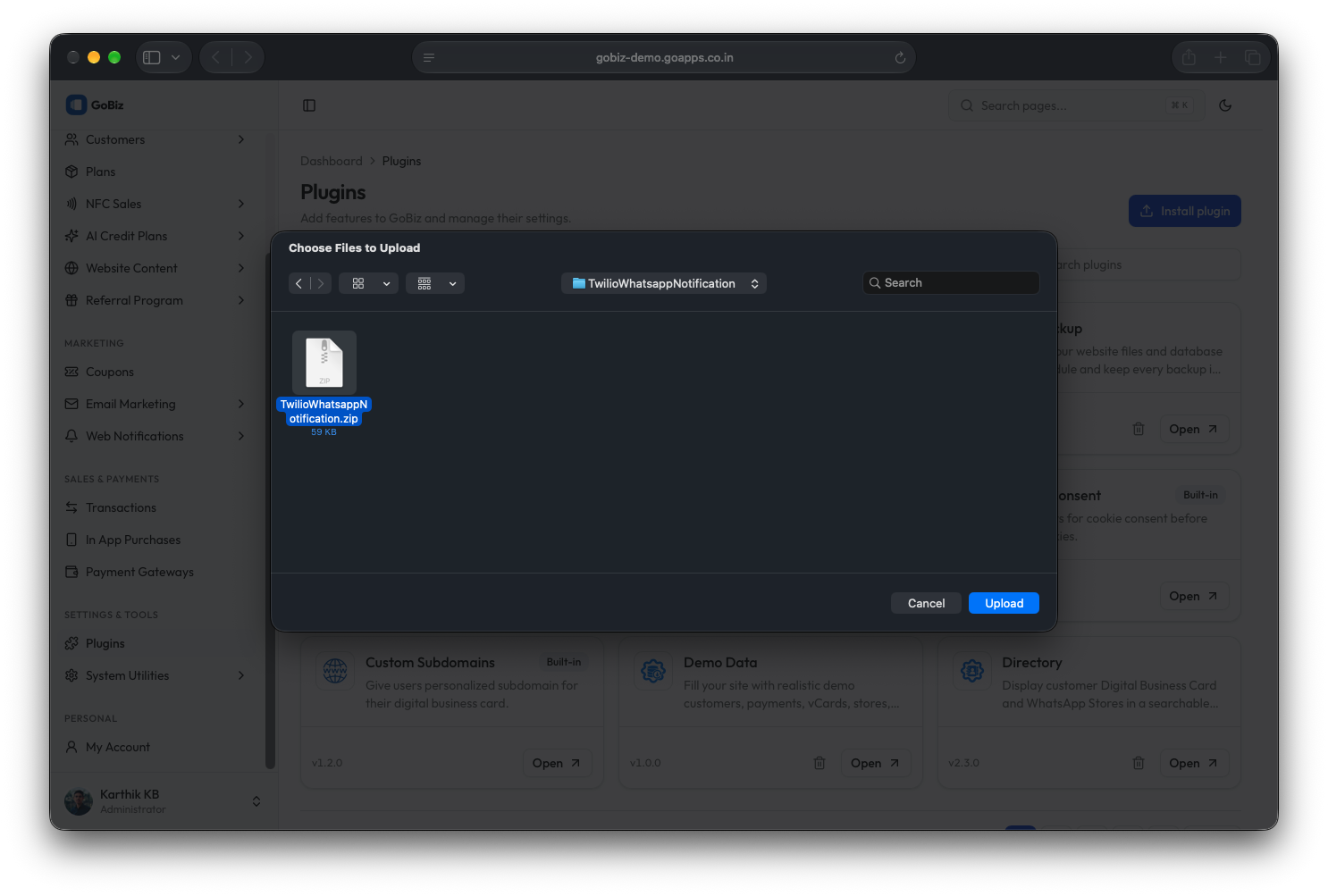
3. Plugin Installation
Once the upload is complete, you will see a successful plugin installation message.