Appearance
PayPal Recurring is an automated subscription billing tool that lets you automatically charge your customers on a repeating schedule using their PayPal accounts or connected cards.
Learn how to download, upload, and install the Paypal Recurring Plugin.
1. Downloading the File
After purchasing the plugin, you will receive a ZIP file. Unzip this file, and inside you will find the main plugin file that you need to upload and install.
Download the file:
text
PaypalRecurring.zip2. Uploading the File
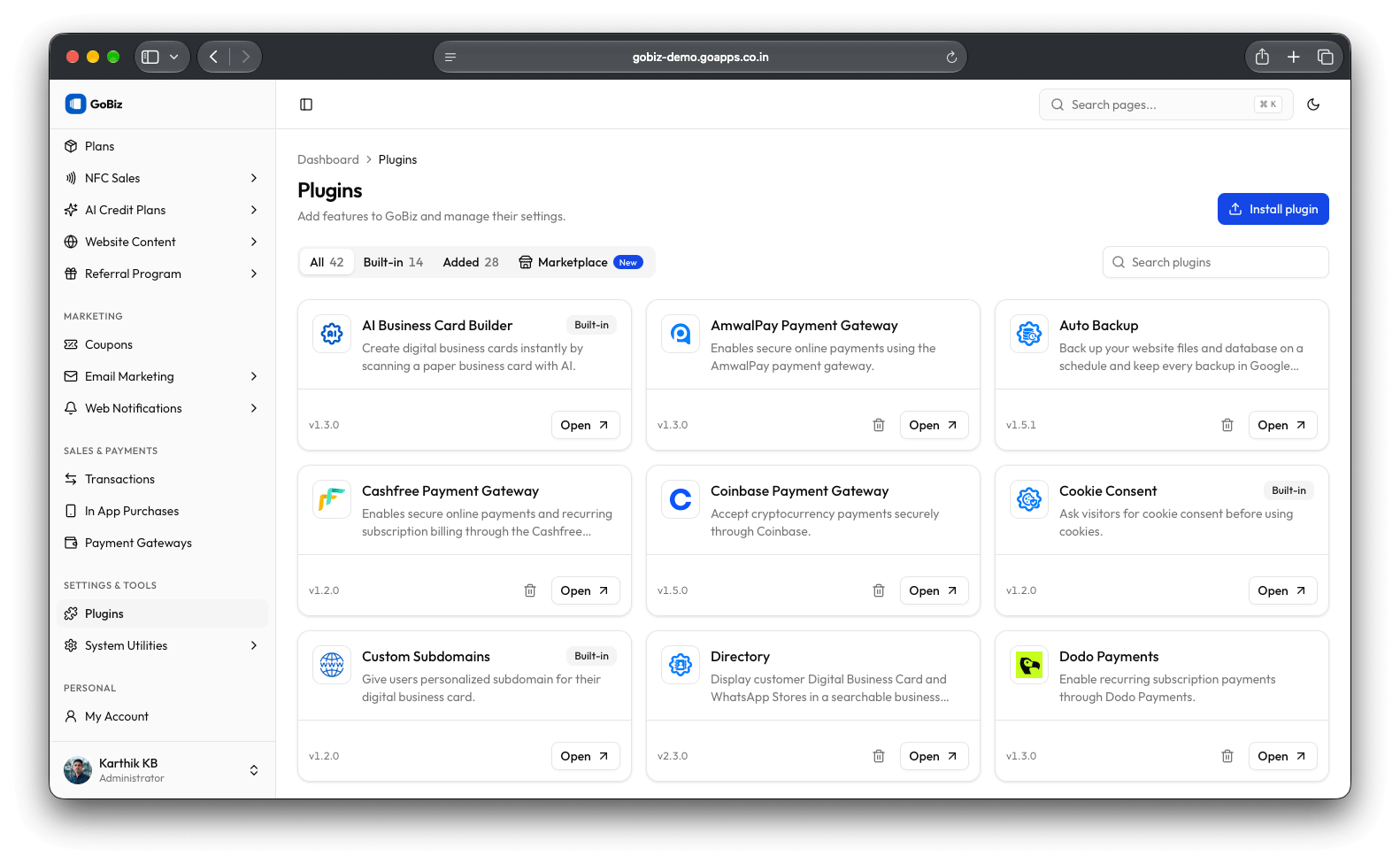
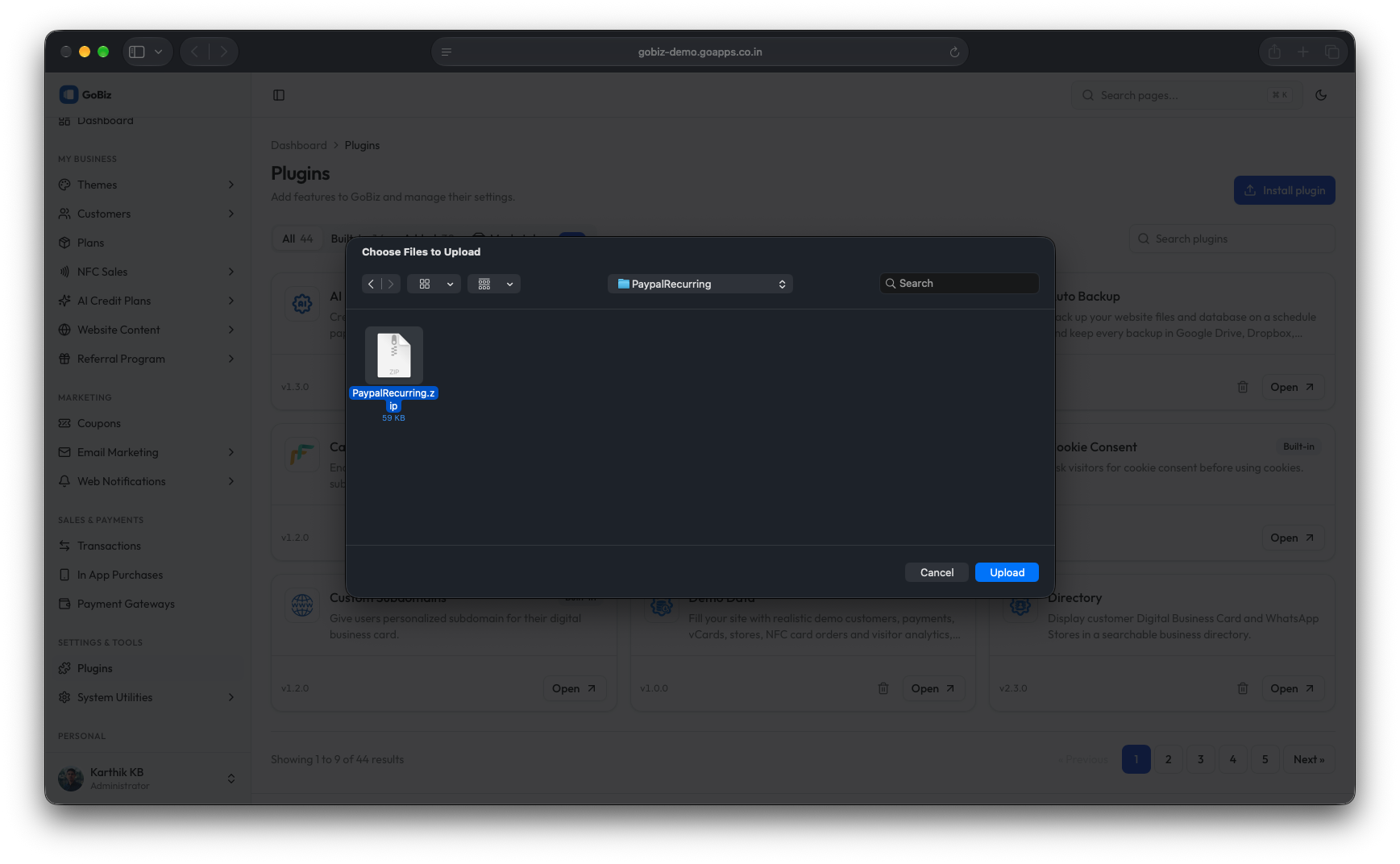
Upload the PaypalRecurring.zip file in the Plugins → Install plugin section of your platform.
Select the PaypalRecurring.zip file.
3. Plugin Installation
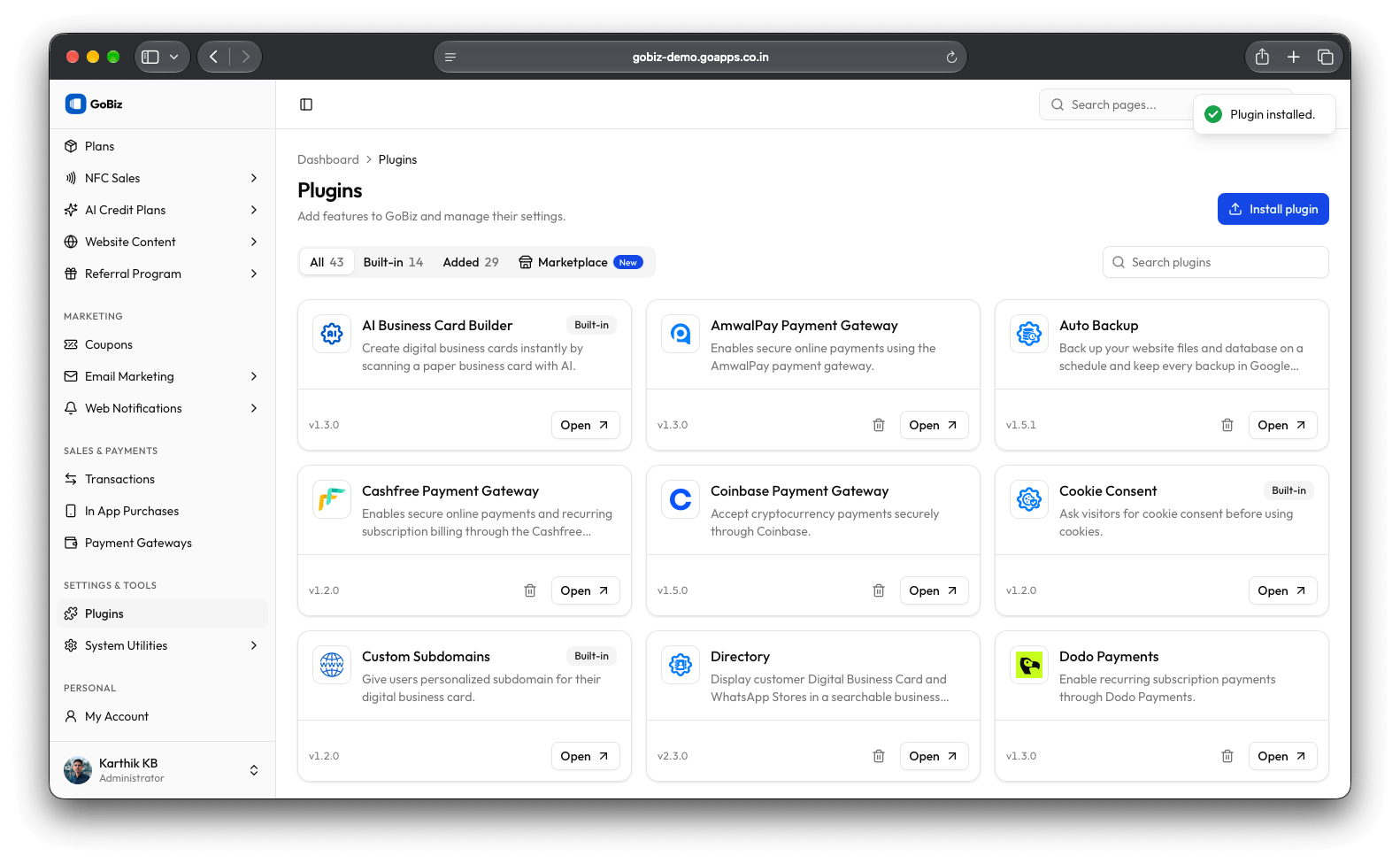
Once the upload is complete, you will see a successful plugin installation message.